What Happens If You Accidentally Trigger Fall Detection on a LifeRun Device?
If you accidentally trigger LifeRun fall detection, the most important thing is to stay calm and use the device’s cancellation process when you are able to do so. The Belle W includes certified fall detection that provides an additional way to request help when a fall is detected. That feature exists because motion-based fall detection can sometimes interpret a sudden movement or impact as a possible fall even when emergency help is not needed.
An accidental trigger is not a reason to stop using fall detection. It is a reason to understand how the feature behaves before a real emergency. At LifeRun, we want users and families to know the difference between automatic fall detection, manual help-button activation, cancellation, and the monitoring response so no one has to learn those steps under pressure.
Why Automatic Fall Detection Can Sometimes Create a False Alert
Fall detection relies on sensors and software interpreting movement patterns. No wearable fall-detection system should be assumed to identify every fall or distinguish every non-fall movement perfectly. Sudden sitting, dropping into a chair, bumping the device, rapid arm movement, or another sharp motion may sometimes resemble part of a fall pattern.
A False Alert Does Not Mean the Device Is Broken
An occasional unintended activation can happen because the system is designed to look for motion associated with a fall. The correct response is to follow the cancellation or monitoring process, then discuss repeated false alerts with our support team. Do not alter device settings based on guesswork if you are unsure how they affect detection.
Fall Detection Is an Additional Layer, Not the Only Emergency Method
The Belle W also has a dedicated call button. If the wearer needs help and can use the button, manual activation remains a direct way to request assistance. Optional fall detection adds another path for situations in which a fall is detected, but it should not be treated as guaranteed detection or as a replacement for pressing the button whenever the wearer is able.
What User Cancellation Means on the Belle W
LifeRun’s Belle W product page specifically lists fall detection with a user cancellation option. In practical terms, that means a user who recognizes that an alert was accidental can cancel the event according to the device process before unnecessary escalation when the cancellation window and connection state allow it.
Learn the Cancellation Process During Setup
The worst time to discover the cancellation steps is during an unexpected alert. We recommend reviewing the process during setup and making sure the wearer can perform it. Seniors with arthritis, tremor, limited vision, hearing difficulty, or cognitive impairment may need extra practice or family support.
Do Not Assume Silence Automatically Cancels the Alert
If the user does not complete the cancellation process, the monitoring workflow may continue. The wearer should respond to the monitoring specialist when possible and clearly state that they are okay if the event was accidental. A monitoring call should not be ignored simply because the user believes the device activated by mistake.
What to Do If the Monitoring Center Connects
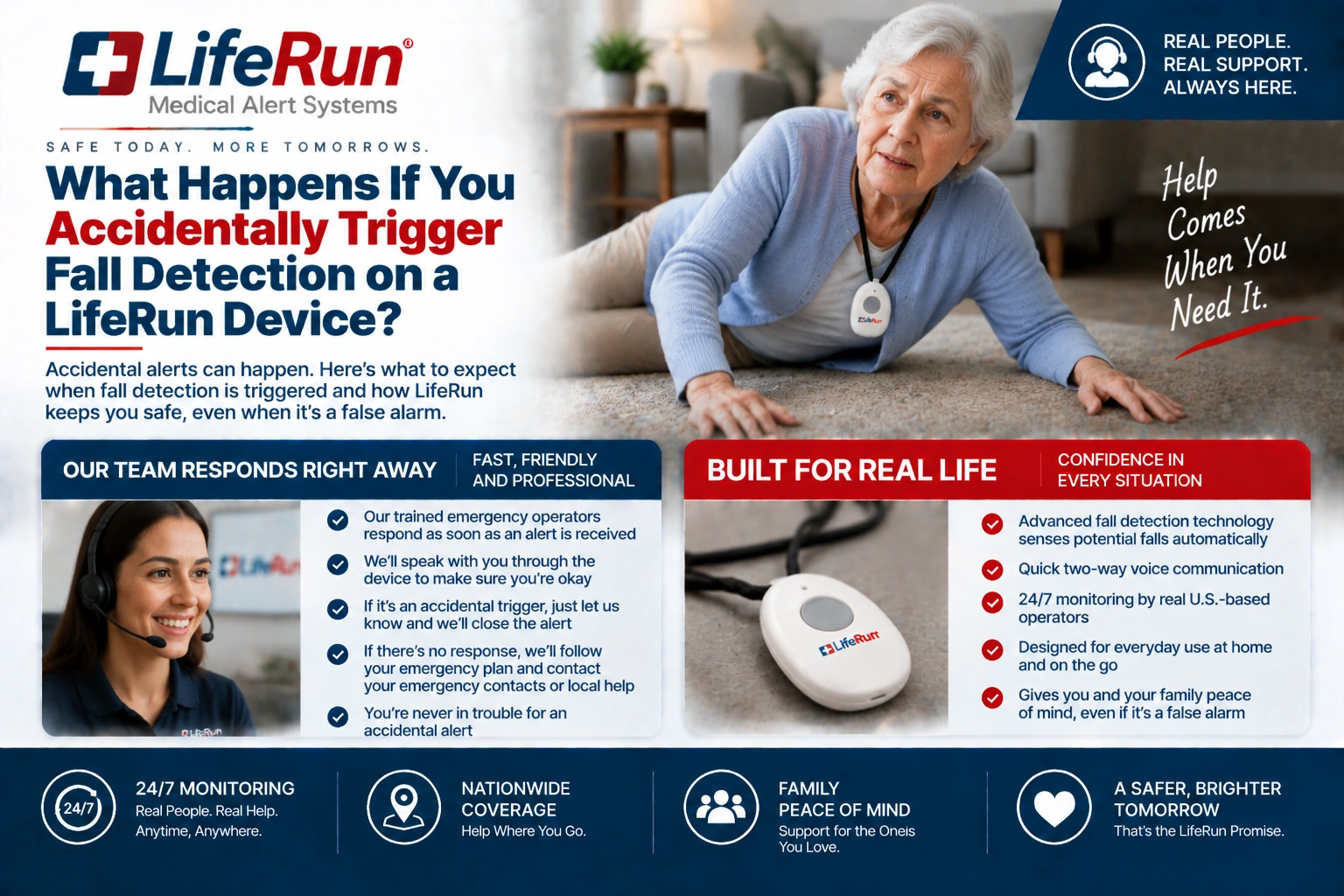
If an accidental fall event reaches the monitoring center, communicate with the specialist through the device’s two-way voice feature when possible. Say that the alert was accidental and that emergency assistance is not needed if that is truly the case. The monitoring specialist can then follow the applicable procedure.
Respond Clearly and Briefly
A short statement is enough. The user does not need to provide a long explanation of the movement that caused the alert. The priority is confirming whether help is needed. If the wearer is injured, dizzy, confused, or uncertain after the event, they should not cancel simply to avoid bothering anyone.
If You Actually Fell, Treat the Situation as a Real Alert
Sometimes a wearer may trigger fall detection and initially think they are fine, only to notice pain or difficulty getting up. Do not dismiss the alert merely because the fall seemed minor. If help is needed, tell the monitoring specialist. For medical concerns, follow professional medical guidance and emergency instructions.
Repeated Accidental Triggers Deserve a Setup Review
One false alert and a pattern of false alerts are different issues. If fall detection activates repeatedly during ordinary daily activities, contact LifeRun support so the device use, wear method, and relevant settings can be reviewed. Repeated accidental events should not simply be ignored.
Check How the Device Is Being Worn
The Belle W is designed as a lightweight wrist-worn mobile personal emergency response system. How consistently and correctly the device is worn can affect the user experience. Make sure the strap is secure and comfortable and that any alternate accessory is being used as intended.
Review the User’s Activity Pattern
A very active wearer may have different motion patterns from a person who moves slowly around the home. The purpose of a support review is not to eliminate sensitivity blindly. It is to make sure the wearer understands the feature and that the current setup is appropriate for normal activity.
Do Not Test Fall Detection by Intentionally Falling
Families sometimes want to prove that automatic detection works by creating a real fall. We do not recommend intentionally falling or putting a senior at risk. Use the approved device-testing or support process instead. A medical alert feature should be learned safely without turning testing into an injury hazard.
Test the Communication Path Instead
Users can become familiar with the call button, two-way voice, cancellation steps, and monitoring workflow without creating a dangerous movement. The Belle W also uses built-in speaker and microphones, so understanding what the connected conversation sounds like is a useful part of preparation.
Keep Emergency Contacts Aware of How Fall Alerts Work
Email and SMS alerts for events, including emergency assistance requests and low battery, depend on the service configuration. Families using caregiver notifications should understand that an automatic event may occasionally be canceled or resolved without emergency dispatch.
Avoid Panic When a Notification Is Followed by a Cancellation
An emergency contact who receives an alert should follow the family’s agreed process rather than assuming the worst. If the wearer or monitoring team confirms that the event was accidental, the contact can record that information and remain available. A clear family protocol prevents repeated calls and unnecessary confusion.
Use Fall Detection With Realistic Expectations
At LifeRun, we describe Belle W fall detection as optional and equipped with user cancellation. You can review the current Belle W product details, see the device overview, and read our FAQs before enabling the feature.
If you are experiencing repeated accidental activations or are unsure how cancellation works, call us at 1-800-421-3366. We can help you review the LifeRun setup and make sure the wearer understands both automatic fall detection and manual emergency activation.
Frequently Asked Questions
Can the Belle W fall detection be canceled?
Yes. LifeRun’s current Belle W product information states that optional fall detection includes a user cancellation option.
Should I ignore the monitoring center if the alert was accidental?
No. If the monitoring center connects, respond when possible and state clearly that you are okay and do not need emergency assistance if that is accurate.
Does an accidental trigger mean fall detection is defective?
Not necessarily. Motion-based detection can sometimes interpret a sudden movement as a possible fall. Repeated false alerts should be reviewed with LifeRun support.
Will fall detection detect every fall?
No fall-detection system should be assumed to detect every fall. Use the help button whenever you need assistance and are able to activate it.
How should families test fall detection?
Do not intentionally fall. Learn the cancellation process, test the approved communication path, and contact LifeRun support for device-specific testing guidance.