
Choosing an appropriate medical alert system is essential for seniors and their families. The variety of choices, brands, and functionalities can lead to the wrong decision, impacting safety and peace of mind. At LifeRun, we believe that informed decisions lead to better protection, greater independence, and long-term confidence for seniors using medical alert systems.
Understand the True Long-Term Costs
Most consumers are interested only in the monthly cost, not the long-term costs. Some medical alert systems have activation and equipment fees, as well as optional add-ons that increase the total cost. Failing to verify these details will leave families struggling with their budgets over time.
Comparing plans from providers such as Lifestation, Lifefone, and ADT Medical Alert helps identify pricing differences. Reading medical alert system reviews will help you understand what you are paying for and whether the service is worth the cost.
Don’t Choose Solely Based on Price
Low-cost medical alert devices may sound attractive, but they cannot replace reliability. Other budget systems lack robust monitoring support or timely emergency response, undermining the effectiveness of a medical alert.
Leading providers invest in reliable infrastructure. A review of medical alert reviews and a comparison of the best medical alert systems will help ensure seniors receive consistent service, rather than opting for a discounted system.
Pick the Right Type of Medical Alert System
Choosing the wrong system type is a standard error. Medic alert systems that are based at home perform well at home; however, they are ineffective outside the home. Active seniors are likely to require mobile coverage to ensure they remain covered at all times.
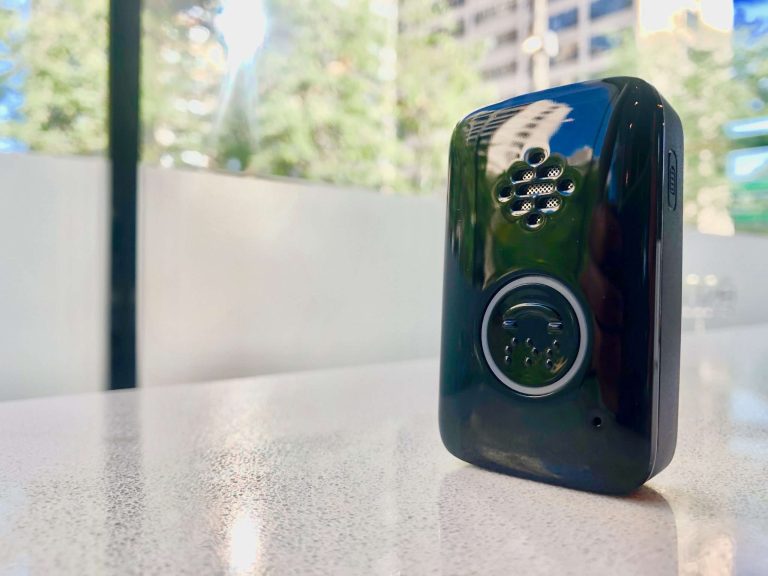
Considering alternatives, such as MobileHelp or Lively Mobile 2, enables families to align the system with their daily lives. The appropriate medical alert system must encourage autonomy without restriction.
Home Based vs Mobile Systems
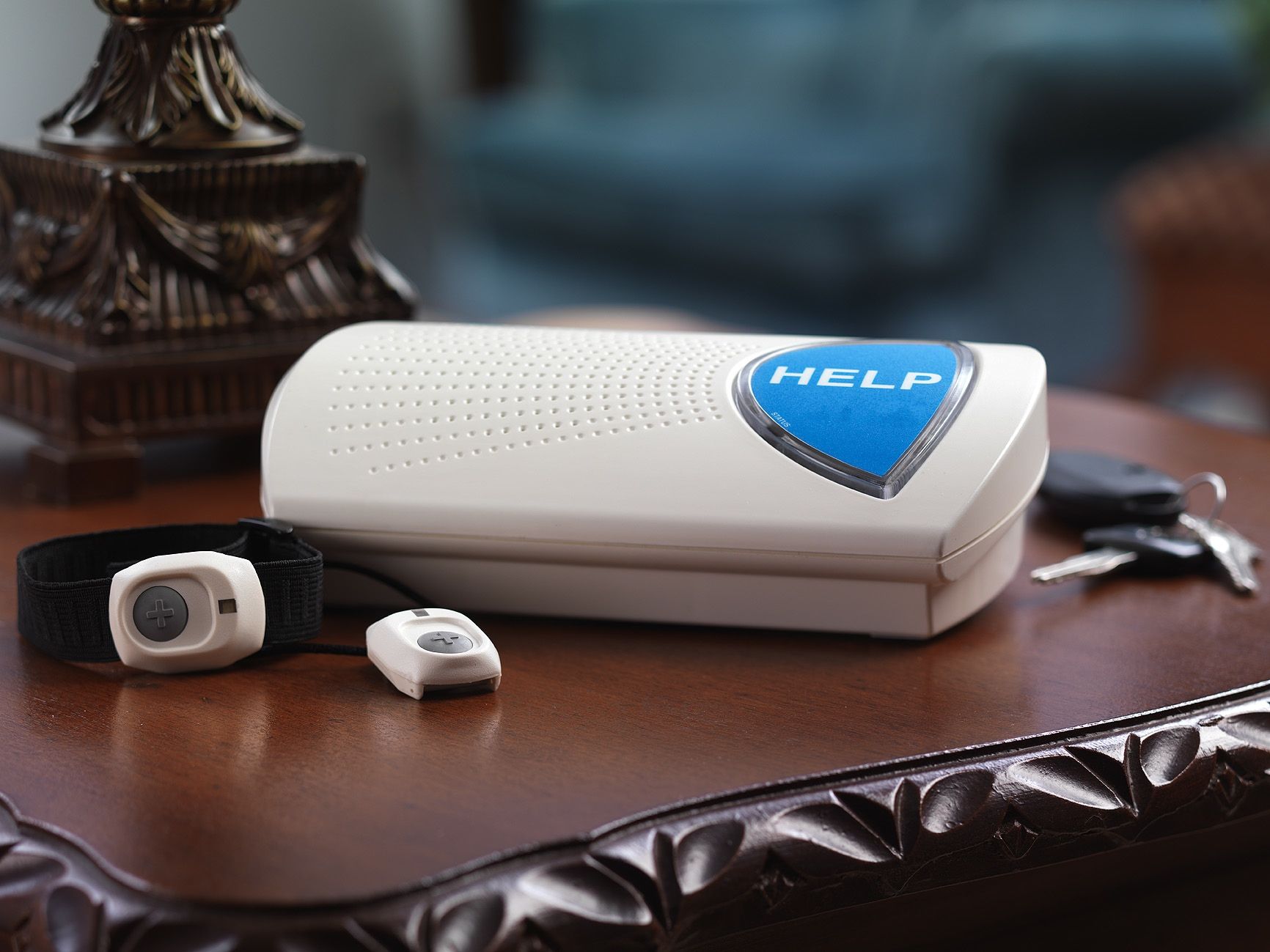
The home systems are connected via landlines or cellular networks and are effective within the home. Mobile medical alert systems use GPS and cellular signals, so seniors can travel without fear of losing protection.
Lifestyle needs should be evaluated in families. Reviewing mobile help will help determine whether a mobile solution is safer than traditional home-based medical alert devices.
Do You Need GPS or Fall Detection
Seniors do not require sophisticated features, but some may be highly beneficial. GPS will help responders quickly locate the user, and automatic alerts will be sent in the event of a fall.
These features are provided as upgrades in systems such as Bay Alarm Medical Alert and Medical Guardian cost plans. Knowledge of real needs means it spends little on emergency cover.
Hidden Fees and Contract Traps to Avoid
Most medical alert systems promise low prices but require a long-term contract or a cancellation fee. These backdoor conditions cause significant frustration for families seeking flexibility or temporary coverage.
Review policies from providers such as Bay Medical Alarm, and check Bay Alarm Medical reviews before committing. Transparent pricing and flexible agreements must be prioritized.
Make Sure the System Is Easy to Use for Seniors
Complicated buttons and unclear instructions reduce effectiveness. The medic alert system must be user-friendly so seniors can use it without fear in an emergency.
It is necessary to test usability before purchase. The ideal medical alert products are also comfort-oriented, sound-guided, and easy to use, ensuring seniors can rely on them in their daily lives.
Don’t Ignore Installation and Coverage Range Issues
A weak signal may delay emergency services. Certain houses have stricter coverage requirements for construction, walls, or distance to monitoring devices.
Scheduling tests before final installation helps prevent failures. Sound medical alarm systems must operate in all rooms, including the bathrooms and outside the house.
Test Your Medical Alert System Regularly
Even the high quality medic alert devices need frequent testing. Batteries can weaken, signals can fluctuate, and settings can vary.
Routine testing will ensure a rapid emergency response. Most medical alert systems offer easy test calls, helping seniors remain reassured that someone is always available to assist them.
Consider the Human Factor Comfort and Wearability
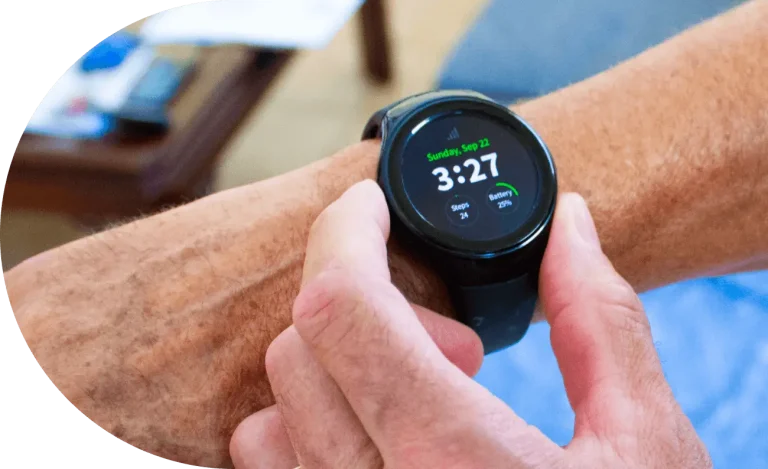
A system will not go to waste if seniors wear it. Medical alarm devices are mostly left behind or removed, particularly large and uncomfortable ones.
Padded pendants and wristbands make them more comfortable to use. Reviewing medical alert system reviews can help determine which devices are comfortable and provide reliable coverage.
Conclusion
The chosen medical alert system must be carefully evaluated based on cost, usability, and reliability. Preventing widespread errors helps seniors stay safe and independent. We help LifeRun make smart, informed decisions by addressing comfort, transparency, and reliable emergency support. One decision made well now yields safety confidence and peace of mind in the future.
FAQs
What are medical alert systems, and how do they work?
Medical alert systems are wearable devices that send alerts to emergency response centres in the event of an emergency involving seniors.
How much does Life Alert cost per month?
The question many people ask is how much Life Alert costs per month. Prices vary based on features and contracts, which are often pricier than modern options.
Are mobile medical alert devices better for active seniors?
The Yes mobile medic alert devices offer GPS tracking and coverage beyond the home, making them best suited for active lifestyles.
Which are the top-rated medical alert systems?
The highly rated systems are based on response reliability, speed, and comfort, rather than price.
Are Life Alert alternatives worth considering?
Yes, numerous life alerts offer more flexible plans at lower costs.